Choosing the Right Keyboard Tray for Your Standing Desk
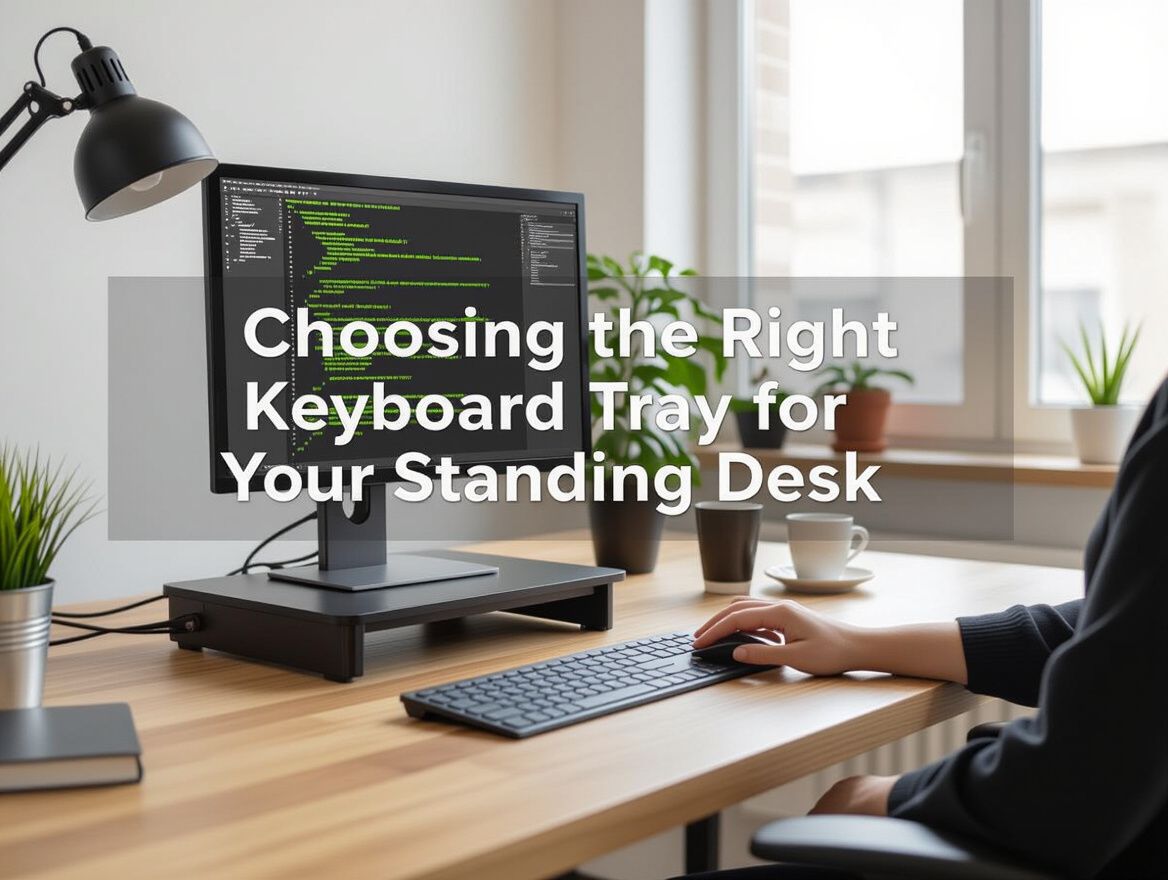
Why a Keyboard Tray Matters for Your Standing Desk
Integrating a keyboard tray into your standing desk setup can significantly enhance your ergonomic experience. By allowing for better keyboard positioning, these trays help maintain a neutral wrist posture, which is crucial for preventing strain and discomfort during extended typing sessions.
Ergonomic Benefits
- Improved Posture: A well-positioned keyboard tray encourages a more natural alignment of your arms and shoulders, reducing the likelihood of slouching or hunching over your desk.
- Reduced Strain: With the keyboard at an optimal height, you can minimize the risk of repetitive strain injuries, such as carpal tunnel syndrome and tendonitis, which are common among desk workers.
Enhanced Comfort
- Adjustability: Many keyboard trays offer adjustable height and tilt, allowing you to customize the setup to your unique body dimensions and preferences.
- Space Efficiency: A keyboard tray can free up valuable desk space, making your workspace more organized and conducive to productivity.
Considerations for Use
Before selecting a keyboard tray, assess your current setup and any discomfort you experience. If adjusting your desk height alone does not alleviate strain, a keyboard tray may be the solution you need. Additionally, ensure that the tray you choose is compatible with your standing desk model to avoid installation headaches and ensure stability during use.
Key Features to Consider When Choosing a Keyboard Tray
When selecting keyboard trays for standing desks, it’s essential to evaluate specific features that contribute to ergonomic comfort and compatibility with your workspace. Here’s a checklist of key criteria to help guide your decision-making process:
-
Adjustability and Height Options: Look for trays that offer a range of height adjustments. This ensures that the keyboard is positioned at a comfortable level, reducing strain on your wrists and shoulders while standing.
-
Compatibility with Different Standing Desk Models: Not all keyboard trays fit every standing desk. Verify that the tray you choose is compatible with your desk’s design, especially regarding crossbars and frame structure.
-
Stability and Weight Capacity: A stable keyboard tray is crucial for preventing wobbling during use. Ensure that the tray can support the weight of your keyboard and any additional peripherals without compromising stability.
-
Ease of Installation: Consider how simple it is to install the tray. Some models may require tools or specific mounting techniques, which can add to the complexity. Look for products that offer straightforward installation instructions.
By focusing on these features, you can enhance your standing desk experience and create a more ergonomic workspace that meets your specific needs.
Understanding Ergonomics: How Keyboard Trays Enhance Comfort
When evaluating keyboard trays for standing desks, understanding ergonomic principles is crucial for enhancing comfort and reducing strain during long hours of use. The right keyboard tray can significantly influence typing angles, wrist positioning, and overall posture, which are essential for maintaining a healthy workspace.
Ideal Typing Angles and Wrist Positioning
An ergonomic keyboard tray should allow for a neutral wrist position, ideally keeping wrists flat and straight. This minimizes the risk of repetitive strain injuries, such as carpal tunnel syndrome. Look for trays that offer adjustable height and tilt, enabling you to set the tray at a comfortable angle—typically between -30° to -45°—to promote a more natural typing posture.
Impact on Shoulder and Neck Strain
A poorly positioned keyboard can lead to shoulder and neck strain. When typing, your elbows should ideally be at a 90-degree angle and close to your body. A keyboard tray that allows for proper adjustment can help achieve this alignment, reducing unnecessary tension in the shoulders and neck. If you find yourself frequently leaning forward or raising your shoulders while typing, it may indicate that your current setup is not ergonomic.
Comparison of Fixed vs. Adjustable Trays
When choosing between fixed and adjustable keyboard trays, consider the flexibility you need. Fixed trays may be simpler and more stable, but they can limit your ability to customize your workspace as your needs change. Adjustable trays, while potentially more complex, provide the versatility to adapt to different users or preferences over time. Be mindful that adjustable trays may introduce stability concerns; ensure that the model you choose securely locks into place to avoid any unwanted movement during use.
In summary, selecting the right keyboard tray for your standing desk is pivotal for optimizing your ergonomic setup. By understanding the principles of ideal typing angles, the impact on body strain, and the differences between tray types, you can make a more informed decision that enhances your overall workspace comfort.
Potential Risks and Trade-offs with Keyboard Trays
When integrating a keyboard tray into your standing desk setup, several risks and trade-offs should be considered to ensure optimal ergonomic benefits and functionality.
-
Installation Difficulties and Compatibility Issues: Many keyboard trays can pose installation challenges, particularly if they are not compatible with your desk's design. Misalignment with crossbars or lack of adjustable mounting options can lead to frustration and an inadequate setup. It's essential to verify compatibility before purchasing to avoid these pitfalls.
-
Potential Ergonomic Misalignment: If a keyboard tray is not adjusted correctly, it can lead to improper wrist positioning, which in turn may cause discomfort or long-term injury. Users should ensure that the tray allows for customizable height and tilt adjustments to maintain a neutral wrist position while typing. Regularly assessing your posture and comfort levels will help identify any misalignments.
-
Durability Concerns with Budget Options: While budget-friendly keyboard trays may be tempting, they often compromise on materials and construction quality. This can lead to reduced stability and longevity, ultimately affecting your workspace ergonomics. Investing in a more durable option may provide better support and longevity in the long run.
Evaluating these risks will help you make a more informed decision and enhance your overall standing desk experience.
Frequently Asked Questions About Keyboard Trays for Standing Desks
When considering a keyboard tray for your standing desk, it's essential to address common questions that can guide your selection process and enhance your ergonomic experience.
What should I look for in a keyboard tray?
- Adjustability: Ensure the tray can be adjusted for height and tilt to accommodate different typing positions.
- Stability: Look for a sturdy construction that minimizes wobbling during use.
- Compatibility: Choose a tray that fits your desk’s dimensions and design, especially regarding crossbars and clearance.
- Ease of Installation: Some models require tools or complex setups; opt for those that are user-friendly.
How do I know if a keyboard tray is compatible with my desk?
- Dimensions: Measure your desk space to ensure the tray fits without obstruction.
- Mounting Options: Check if your desk has the necessary mounting points or if the tray can be clamped securely.
- Weight Capacity: Verify that your desk can support the additional weight of the tray and any equipment you plan to use.
Are there specific ergonomic guidelines for keyboard tray setup?
- Wrist Position: Your wrists should remain flat and neutral while typing. A properly adjusted tray can help achieve this.
- Elbow Angle: Keep your elbows at a 90-degree angle to reduce strain on your shoulders and arms.
- Monitor Height: Ensure that your monitor is at eye level to maintain a neutral neck position, complementing the ergonomic benefits of the keyboard tray.
By addressing these questions, you can make a more informed decision about selecting a keyboard tray that enhances your standing desk experience, prioritizing both comfort and functionality.
Making the Right Choice: Your Keyboard Tray Decision Path
Selecting the right keyboard tray for your standing desk is a crucial step in enhancing your workspace ergonomics. To make an informed decision, consider the following key factors that align with your personal needs and workspace setup:
-
Assess Your Current Setup: Before making a purchase, evaluate your existing desk and keyboard height. Pay attention to how your body feels during and after typing. If you experience discomfort, a keyboard tray may be necessary to achieve a more ergonomic position.
-
Evaluate Ergonomic Needs: Consider your typing style and how often you use the keyboard. If you perform extensive typing tasks, a tray that allows for adjustable tilt and height can significantly reduce wrist strain and improve posture.
-
Test for Comfort: If possible, try out different keyboard trays to see how they feel in your setup. Look for options that allow for adjustments in height and angle, which can help find the most comfortable position for your hands and wrists.
-
Compatibility and Installation: Ensure that the tray is compatible with your standing desk, particularly regarding crossbar placement. Some trays may require tools or specific mounting solutions, so consider how easy it will be to install.
By carefully considering these factors, you can select a keyboard tray that enhances your standing desk experience, ultimately leading to improved comfort and productivity in your workspace.
Final Thoughts on Selecting a Keyboard Tray
Choosing the right keyboard tray for your standing desk is pivotal for enhancing your workspace ergonomics. A well-selected tray can significantly improve your posture, reduce strain on your wrists and shoulders, and contribute to a more comfortable working experience. As you make your decision, keep the following points in mind:
-
Ergonomic Benefits: An adjustable keyboard tray helps maintain a neutral wrist position, which is crucial for preventing discomfort during prolonged typing sessions. Prioritizing ergonomic design can lead to better productivity and overall well-being.
-
Informed Decision-Making: Assess your specific needs by evaluating your current workspace setup. Consider factors such as your typing habits, the height of your standing desk, and any existing discomfort. This evaluation can guide you toward a tray that aligns with your requirements.
-
Trade-offs and Fit: Be aware of potential trade-offs, such as the balance between adjustability and stability. Some trays may offer extensive height options but could compromise stability, so it’s essential to find a balance that suits your workflow.
By focusing on these aspects, you can make a more informed choice that enhances your standing desk experience, ensuring both comfort and productivity in your workspace.